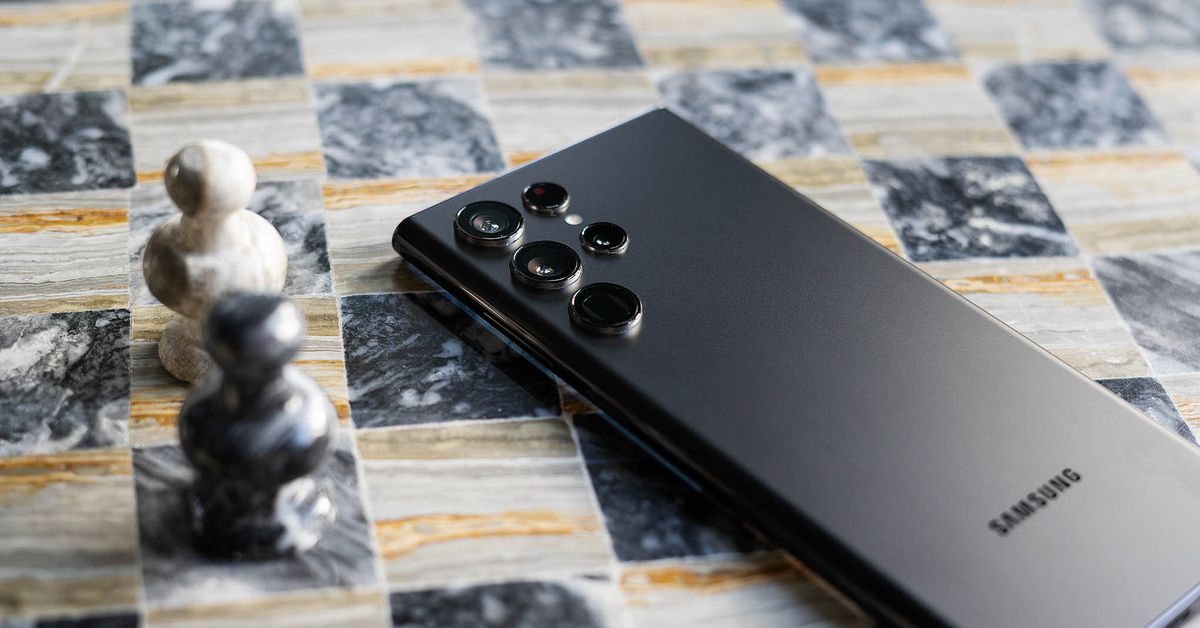
Samsung introduced its Expert Raw app in beta at the end of 2021; currently, it is only available for the S21 Ultra. The app allows you to control manual exposure settings for all four of the rear cameras, which is nice, but the more interesting thing it allows you to do is shoot multi-frame RAW files. Here’s what you need to know about Expert RAW – what it is, why it’s useful, and how to use it.
What is multi-frame RAW?
The short answer is that it’s RAW but better. In general, RAW shooting saves more data than a JPEG image file, which is a huge benefit if you prefer to fine-tune things like white balance and exposure photo editing software. JPEGs are smaller and more easily shareable, but those kinds of settings are “baked in” to save space, and they’re much less flexible for post-processing. Plenty of smartphones offer a traditional RAW shooting mode – but with a major disadvantage to shooting a standard JPEG image.
When you take a photo in your phone’s native camera app, the resulting JPEG (or HEIC) file often includes data from multiple frames that were captured very quickly when you pressed the shutter button. This allows the phone to create a single image file with wider dynamic range, making a backlit subject brighter without adding a whole lot of ugly noise, for example.
Traditional RAW mode on a smartphone (or any camera) captures a single frame that’s more flexible for editing than a typical JPEG but loses out on the computational benefits that come with the multi-frame processing you’d get with the JPEG. This makes shooting RAW on a smartphone kind of pointless, to put it bluntly. Smartphones have very small sensors and lenses relative to traditional cameras, and they use these computational tricks to capture more image data and compensate for that size disadvantage. As a result, it’s usually better to just let your phone do its thing and take a JPEG.
Multi-frame RAW, which several phone manufacturers (including Apple) have introduced, makes RAW much more useful, especially when you’re taking a photo with your phone. You get the best of both worlds: data from multiple frames recorded into a single file, plus plenty of flexibility for editing.
:format(webp):no_upscale()/cdn.vox-cdn.com/uploads/chorus_asset/file/23256281/ajohnson_220216_5032_0008.jpg)
Which Samsung phones offer Expert RAW?
The Galaxy S22 series, including the standard S22, S22 Plus, and S22 Ultra, have all supported Expert RAW as of February 25th. Samsung plans to expand support to some older models, but there are certain hardware requirements a phone has to meet to be able to run Expert RAW, so only a handful of other top-tier devices will offer it. That list includes:
- Galaxy S21 Ultra, full release from beta expected sometime in March
- Galaxy Z Fold 3, support expected in April
- Galaxy S20 Ultra, Note 20 Ultra, and Z Fold 2, support expected in the first half of 2022
How do you shoot photos in Expert RAW?
:format(webp):no_upscale()/cdn.vox-cdn.com/uploads/chorus_asset/file/23283433/ER_shoot.jpg)
The feature isn’t included in the standard Samsung camera app; it’s actually an entirely separate app that needs to be downloaded from the Galaxy Store. Open the store app and search for Expert RAW. Once you’ve downloaded it and agreed to give it access to your camera and microphone, you’re ready to start shooting multi-frame RAW files.
The Expert RAW interface is similar to the Pro mode in the standard camera app, including the letter icons at the bottom of the screen that indicate the 0.6x, 1x, and 3x lens options. When you press the shutter, you’ll see text urging you to hold the phone still while the phone grabs multiple frames. Related: Expert RAW isn’t something you’ll want to use for moving subjects.
The resulting files are big – around 30MB to 40MB each in my testing. There’s a high-efficiency RAW option you can toggle on if you tap the settings icon on the shooting screen, but it only saved me a couple of MBs per image. Unless you bought a phone with massive storage, you’ll want to stick to using Expert RAW when it will really make a difference, not all the time.
How do you edit Expert RAW images?
:format(webp):no_upscale()/cdn.vox-cdn.com/uploads/chorus_asset/file/23283436/ER_edit.jpg)
Expert RAW files are saved as standard DNG files, so you can take them into any RAW processing software that you like. Samsung includes a Lightroom shortcut in the Expert RAW app, but if you want to go that route, you’ll need to download Lightroom from the Galaxy Store and log in with an Adobe account. Downloading from the Galaxy Store entitles you to a two-month free trial, but after that, you’ll need to pony up for the $119 annual subscription.
In any case, you can tap the share icon when reviewing your image to take your photo into a free app like Snapseed or save it to cloud storage to edit on a desktop.
With your image in the editing software of your choice, you’ll enjoy more freedom to push shadows or pull back highlights than with a standard RAW file. I took a standard RAW and a multi-frame RAW of the same backlit scene for comparison purposes, and the difference is significant. Pushing the shadow slider all the way +100 on both photos, there’s some clear banding in the standard RAW, while the Expert RAW looks much cleaner.
So when you’re shooting a scene with a wide dynamic range, this is definitely the better RAW mode to use – just don’t get too trigger-happy if you want to go easy on your phone’s storage.
Credit: Source link