

New York Tech Media
  • News
  • FinTech
  • AI & Robotics
  • Cybersecurity
  • Startups & Leaders
  • Venture Capital
No Result
View All Result
  • News
  • FinTech
  • AI & Robotics
  • Cybersecurity
  • Startups & Leaders
  • Venture Capital
No Result
View All Result
New York Tech Media
No Result
View All Result
Home News

How to get rid of those irritating Meet, Chat, and Spaces tabs in mobile Gmail

New York Tech Editorial Team by New York Tech Editorial Team
February 11, 2022
in News
0
How to get rid of those irritating Meet, Chat, and Spaces tabs in mobile Gmail
Share on FacebookShare on Twitter

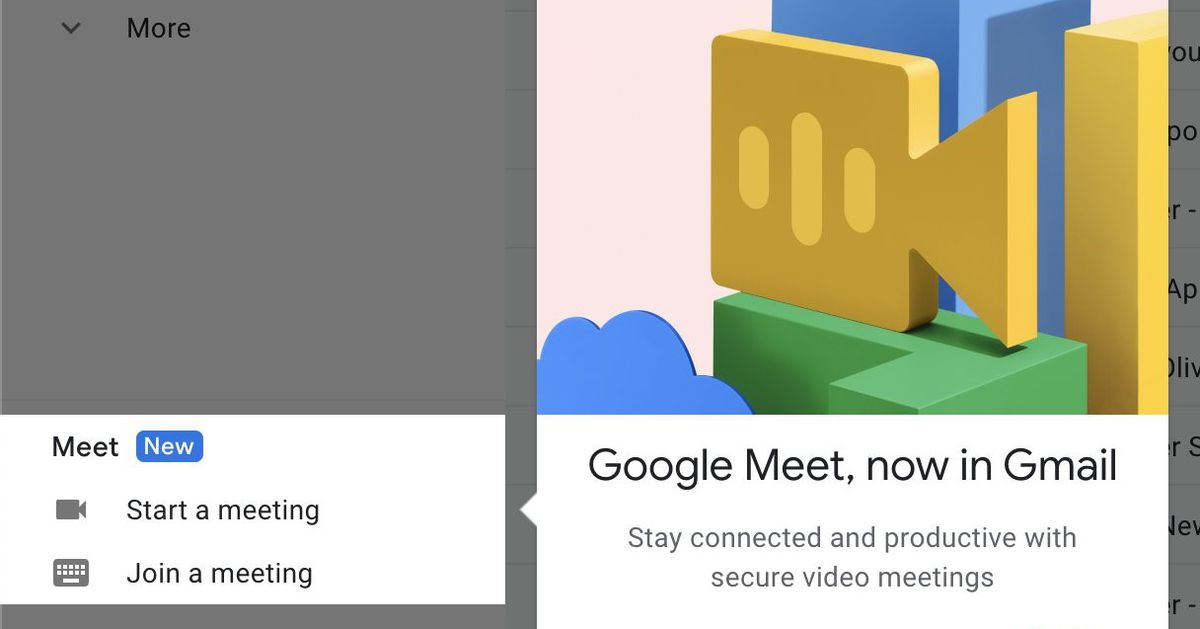
I have nothing against Google’s Meet videoconferencing platform — in fact, I’ve used it a few times — but I can’t help being annoyed when the feature is pushed at me via other apps. Specifically, Gmail. Meet first appeared on the desktop Gmail app in the spring of 2020, but it did not take up much space and was reasonably easy to ignore (or remove from your screen, if you so wished).

A few months later, however, Meet made its way onto the mobile Gmail app via two tabs at the bottom of the screen: one labeled “Mail” and one labeled “Meet.” The problem wasn’t only that I was pushed to use a particular videoconferencing app while all I wanted to do was check my email, but it also took up space, expanding the bottom margin of the app and giving me approximately three fewer lines to work with.

And then, in mid-2021, Google added two additional icons for its Chat and Spaces apps.

Gmail with the Meet, Chat, and Spaces icons.

Gmail with the Meet, Chat, and Spaces icons.

Remove the icons for extra email space.

Remove the icons for extra email space.

Now, it may be convenient for some people to have those tabs at the bottom of their Gmail pages. That’s fine. But if you want to maximize your email space, you can easily get rid of all three tabs (the email tab, which appears with them, will disappear automatically).

Here’s how. These instructions apply to the Gmail app on both Android and iOS.

  • Select the three-line “hamburger” icon in the upper left corner, scroll down, and tap on “Settings.”
  • Select the Gmail account you want to change.
  • Scroll down to Chat and uncheck “Show the chat and spaces tabs.”
  • Once you do that, Gmail will take you back to your main screen. Go back to the Settings page for that same account, scroll down to the “Meet” category, and uncheck “Show the Meet tab for video calling.”

You can uncheck Chat to remove that icon.

You can uncheck Chat to remove that icon.

You can also uncheck “Show the Meet tab.”

You can also uncheck “Show the Meet tab.”

And that’s it! You’ve reclaimed some space on your Gmail app.

Update July 28th, 2021, 1:50PM ET: This article was originally published on August 11th, 2020. The introductory text has been tweaked, and a screenshot has been replaced to reflect a change in Gmail’s interface.

Update February 11th, 2022, 9:20AM: This article has been changed to include Chat and Spaces as well as Meet.

Credit: Source link

Previous Post

Mortgage servicing giant Mr. Cooper hires fintech Sagent to power $676b portfolio. Firms will combine tech to serve $12t industry.

Next Post

Another PE dry powder record set; VC rounds in US fintech surged in 2021

New York Tech Editorial Team

New York Tech Editorial Team

New York Tech Media is a leading news publication that aims to provide the latest tech news, fintech, AI & robotics, cybersecurity, startups & leaders, venture capital, and much more!

Next Post
Another PE dry powder record set; VC rounds in US fintech surged in 2021

Another PE dry powder record set; VC rounds in US fintech surged in 2021

  • Trending
  • Comments
  • Latest
Meet the Top 10 K-Pop Artists Taking Over 2024

Meet the Top 10 K-Pop Artists Taking Over 2024

March 17, 2024
Clubhouse will soon let you pin links to the top of rooms

Clubhouse will soon let you pin links to the top of rooms

October 23, 2021
10 Raunchy Movies on Netflix You Won’t Regret Watching

10 Raunchy Movies on Netflix You Won’t Regret Watching

May 20, 2024
Panther for AWS allows security teams to monitor their AWS infrastructure in real-time

Many businesses lack a formal ransomware plan

March 29, 2022
Zach Mulcahey, 25 | Cover Story | Style Weekly

Zach Mulcahey, 25 | Cover Story | Style Weekly

March 29, 2022
How To Pitch The Investor: Ronen Menipaz, Founder of M51

How To Pitch The Investor: Ronen Menipaz, Founder of M51

March 29, 2022
Startups On Demand: renovai is the Netflix of Online Shopping

Startups On Demand: renovai is the Netflix of Online Shopping

2
Robot Company Offers $200K for Right to Use One Applicant’s Face and Voice ‘Forever’

Robot Company Offers $200K for Right to Use One Applicant’s Face and Voice ‘Forever’

1
Menashe Shani Accessibility High Tech on the low

Revolutionizing Accessibility: The Story of Purple Lens

1

Netgear announces a $1,500 Wi-Fi 6E mesh router

0
These apps let you customize Windows 11 to bring the taskbar back to life

These apps let you customize Windows 11 to bring the taskbar back to life

0
This bipedal robot uses propeller arms to slackline and skateboard

This bipedal robot uses propeller arms to slackline and skateboard

0
Bloom Security and Cyera Turn Data Classification into Real-Time Enforcement at the Endpoint

Bloom Security and Cyera Turn Data Classification into Real-Time Enforcement at the Endpoint

October 22, 2026
Pluto Security Emerges From Stealth With $42M in Funding After Building an AI Security Community

Pluto Security Emerges From Stealth With $42M in Funding After Building an AI Security Community

October 13, 2026
man ordering at a drive thru

Accents, Engine Noise and “No Pickles”: Inside the Hardest Job in Voice AI

October 4, 2026
Essential Car Care Tips for Better Performance and Longer Life

Essential Car Care Tips for Better Performance and Longer Life

October 1, 2026
EB1A graphic design

EB1A Experts Surpasses 330+ Approvals Milestone Amid Rising 2026 EB-1A Approval Rates

September 30, 2026
Upwind team

Upwind Brings Aegis Into Its Cloud and AI Security Platform With New AI Labs

September 23, 2026

Recommended

Bloom Security and Cyera Turn Data Classification into Real-Time Enforcement at the Endpoint

Bloom Security and Cyera Turn Data Classification into Real-Time Enforcement at the Endpoint

October 22, 2026
Pluto Security Emerges From Stealth With $42M in Funding After Building an AI Security Community

Pluto Security Emerges From Stealth With $42M in Funding After Building an AI Security Community

October 13, 2026
man ordering at a drive thru

Accents, Engine Noise and “No Pickles”: Inside the Hardest Job in Voice AI

October 4, 2026
Essential Car Care Tips for Better Performance and Longer Life

Essential Car Care Tips for Better Performance and Longer Life

October 1, 2026

Categories

  • AI & Robotics
  • Benzinga
  • Cybersecurity
  • FinTech
  • New York Tech
  • News
  • Startups & Leaders
  • Venture Capital

Tags

AI AI QSRs AI security Automat-it AWS B2B marketing Bloom Security Business CISO CISO Whisperer Collaborations Companies To Watch Cybersecurity Drive-Thru Enterprise AI Entrepreneur Fetcherr Finance FINQ Fintech Funding Announcement Hi Auto HumanX Impala Investing Investors investorsummit israelitech Mate Security Mindset Minnesota omri hurwitz Perion PointFive PR QSR Real Estate start- up startupnation Startups Startups On Demand Tech Tech leaders VC venture capital
  • Contact Us
  • Privacy Policy
  • Terms and conditions

© 2024 All Rights Reserved - New York Tech Media

No Result
View All Result
  • News
  • FinTech
  • AI & Robotics
  • Cybersecurity
  • Startups & Leaders
  • Venture Capital

© 2024 All Rights Reserved - New York Tech Media